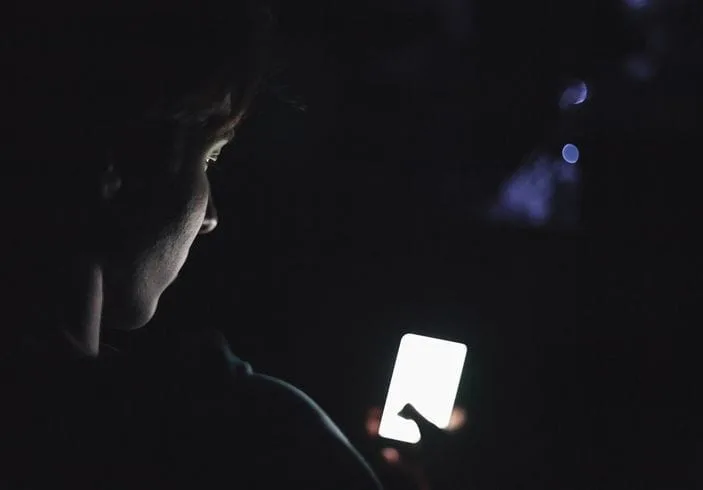
Officials at the United States Department of Health and Human Services have issued a new public health advisory warning that excessive screen use among children and teenagers may contribute to sleep problems, reduced academic performance, lower physical activity, and weaker in-person social relationships. The advisory, released on Wednesday, describes screen overuse as a growing public health concern and recommends stronger parental controls, school phone restrictions, and increased oversight from technology companies. “While screen use can have some benefits, the evidence of a range of risks to children’s overall mental and physical health is mounting” – U.S. Health and Human Services Secretary Robert F. Kennedy Jr. wrote in the report The advisory states that exposure to screens often begins before a child’s first birthday and increases during adolescence. According to the report, many teenagers now spend four or more hours daily on screens, with nearly half reporting they lose track of time spent on their phones. Health experts linked excessive screen use to issues including poor sleep, reduced school performance, and lower physical activity. The report also raises concerns about social media, gaming, online gambling, and other forms of digital interaction. The advisory recommends no screen exposure for children under 18 months old, less than one hour daily for children under six, and roughly two hours daily for older children and teenagers outside school-related activities. It also introduced a “five Ds” strategy encouraging families to discuss healthy screen habits, model responsible behavior, delay screen exposure, divert children toward offline activities, and regularly disconnect from devices. Stakeholders argue that smartphones, social media platforms, gaming apps, and digital algorithms are designed to maximize user engagement, particularly among young people. Health experts including J. John Mann said certain forms of addictive screen use may increase risks of mental health problems and suicidal behavior among adolescents. “If we look at it in that framework, what we should be doing is screening out those kids who show that” – Mann The advisory is expected to intensify ongoing debates over children’s digital safety, online regulation, and technology use in schools and homes.

Wizkid becomes first African artist to surpass 11 billion Spotify streams
Nigerian Afrobeats star Wizkid has become the first African artist to surpass 11 billion streams on Spotify across all credited appearances, according to data released by Charts Africa. Charts Africa stated that Wizkid remains the first African artist to reach one billion, two billion, 10 billion, and now 11 billion cumulative Spotify streams. This milestone follows the release of State of Mind, Wizkid’s recent collaboration with DJ Tunez, which reportedly generated more than 685,000 Spotify streams globally within its first full day after release on May 15, 2026. Wizkid’s international streaming success has been linked to several landmark moments in African music history. He featured on the global hit One Dance alongside Drake and Kyla, becoming part of the first Spotify song involving an African artist to surpass one billion streams. Other African artists, including Rema, Tems, and Tyla, have recently reached major international streaming milestones. Meanwhile, some music industry analysts and artists continue to raise concerns about streaming royalty structures, arguing that African musicians may still face challenges related to earnings distribution, ownership rights, and dependence on foreign digital platforms. Despite these concerns, streaming growth has increased international visibility for African artists and strengthened the global commercial position of Afrobeats.
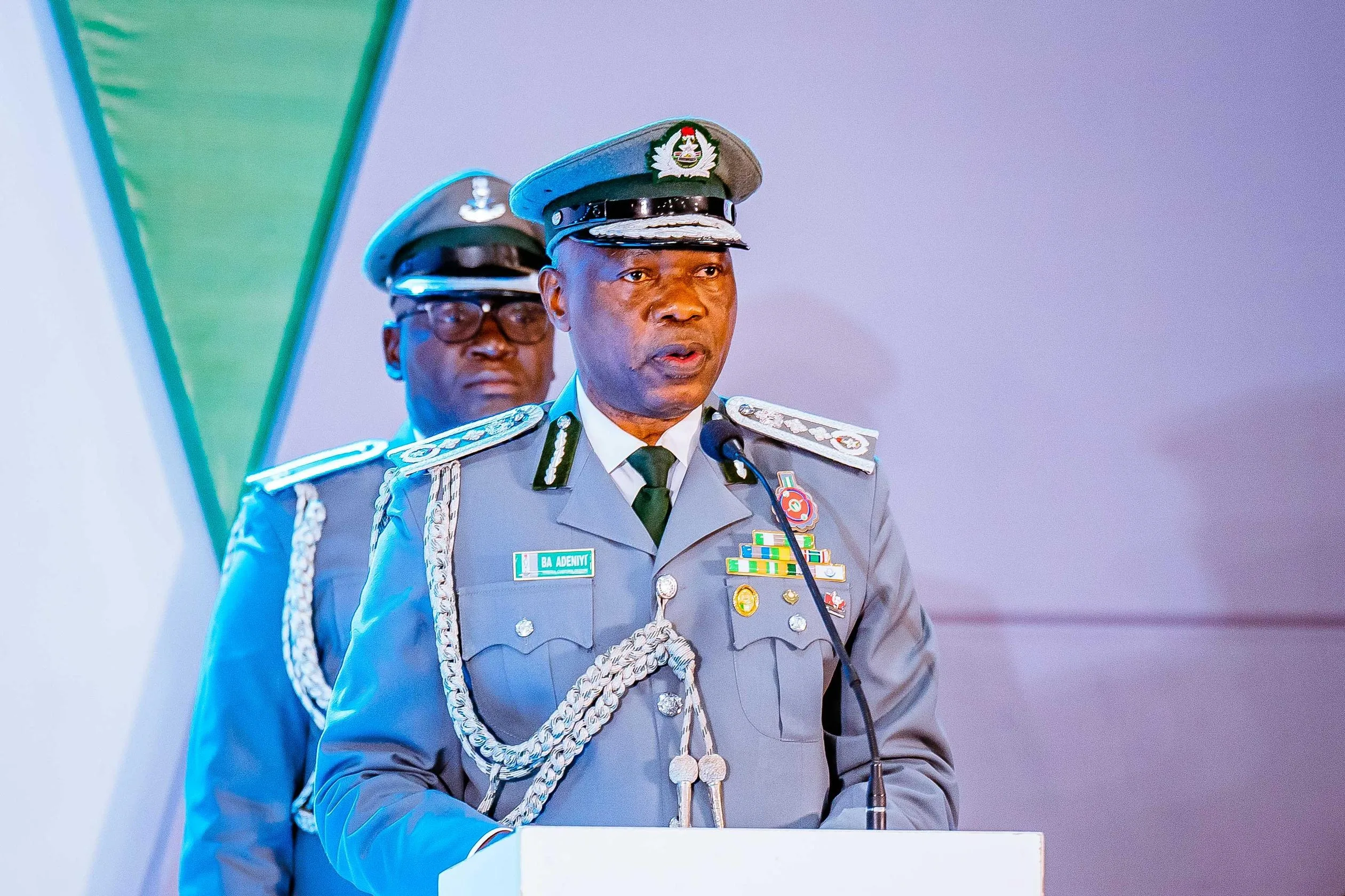
Customs rolls out automated passenger clearance platform to speed up arrivals
The Nigeria Customs Service has introduced a new automated passenger clearance system at Nnamdi Azikiwe International Airport aimed at reducing baggage delays and improving customs processing for international travelers. The platform, known as the Simplified Customs Advanced Declaration System (SCADS), allows passengers to declare baggage and commercial goods electronically before arriving in Nigeria. The system is currently being tested as a pilot project at the airport’s international terminal in Abuja. According to Customs officials, the initiative is designed to reduce manual bottlenecks, improve revenue assessment, and align airport operations with international digital standards. The digital platform was developed after an earlier customs passenger processing system experienced technical difficulties earlier in 2026. Customs authorities said the new version was designed to provide stronger operational reliability and greater automation. Deputy Comptroller-General in charge of ICT and Modernisation, Oluyomi Adebakin, said the agency viewed earlier technical failures as an opportunity to improve the system. “When the earlier platform experienced operational challenges, we chose not to see it as a setback. We saw it as an opportunity to build something better, stronger and more efficient…For passengers, this system creates the opportunity for advance declaration before arrival. It means faster clearance, easier compliance and smoother movement through our airports” -Adebakin Customs officials added that SCADS would automate tariff calculations using declared quantities and verified values, reducing human involvement in duty assessments as well as human bias from tariff calculations. Stakeholders in the sector say the platform could improve efficiency, increase transparency in revenue collection, and modernize airport operations. The pilot testing phase will continue through 22 May 2026, after which technical teams are expected to review performance and address any software issues. The Nigeria Customs Service plans to expand the SCADS platform to other international airports nationwide to modernize border management and digital customs operations.
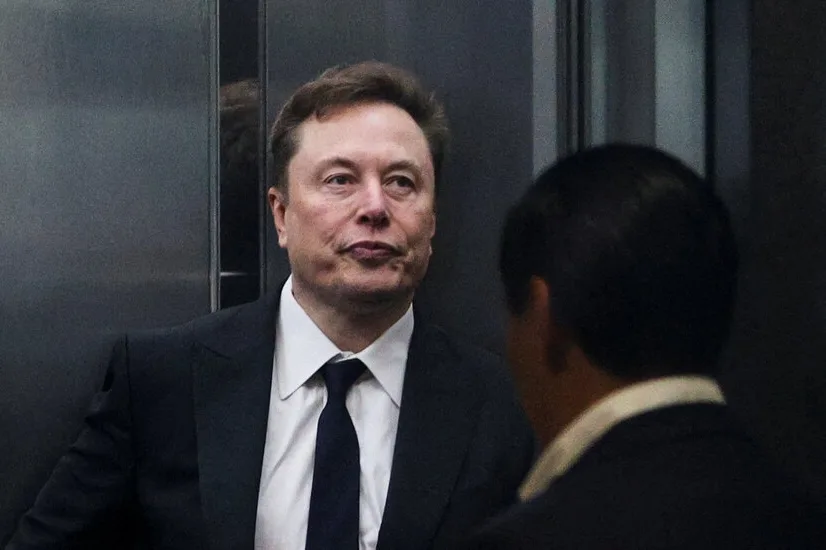
Elon Musk responds after jury dismisses OpenAI lawsuit
Elon Musk has responded to the dismissal of his lawsuit against OpenAI and its chief executive Sam Altman, saying the court decision was based on a calendar technicality rather than the substance of the case. In a post on X, Musk said the judge and jury did not actually give ruling on merits of the case, pointing to the jury’s finding that the lawsuit had been filed after the statute of limitations had expired. Musk also announced plans to appeal the ruling to the Ninth Circuit Court of Appeals, arguing that allowing such a precedent could damage charitable organizations in the United States. “There is no question to anyone following the case in detail that Altman & Brockman did in fact enrich themselves by stealing a charity, the only question is WHEN they did it1…I will be filing an appeal with the Ninth Circuit, because creating a precedent to loot charities is incredibly destructive to charitable giving in America” – Musk The lawsuit centered on OpenAI’s transition from a non-profit research organization into a company with significant commercial operations tied to artificial intelligence products, including ChatGPT. Musk, who co-founded OpenAI in 2015 before leaving in 2018, argued that the organization abandoned its original mission to develop AI for the benefit of humanity after accepting his financial support. OpenAI rejected the accusations during the trial as Altman testified that Musk had previously supported the idea of a for-profit structure and had sought greater control over the company. OpenAI’s legal team also argued that the lawsuit lacked factual basis. The case contributes to existing debates over how artificial intelligence organizations balance public-interest missions with commercial expansion. Details later….
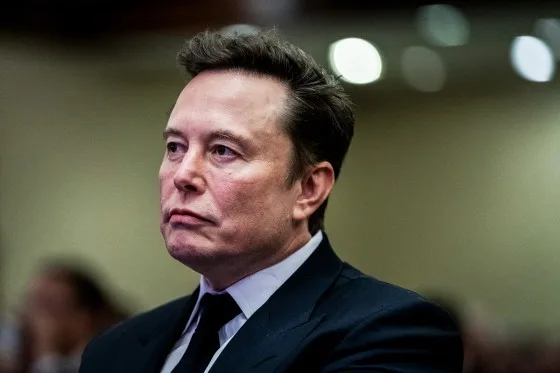
Elon Musk loses OpenAI lawsuit as California jury rules claims filed too late
A California jury has dismissed a lawsuit filed by Elon Musk against OpenAI and its chief executive Sam Altman, stating that the legal claims were brought after the statute of limitations had expired. The unanimous decision came after a three-week trial in Oakland, California, as Jurors reviewed internal company communications and heard testimony from Musk, Altman, and Satya Nadella before reaching a verdict in about two hours. Musk argued that OpenAI violated its original non-profit mission after transitioning into a for-profit business model as he claimed Altman accepted his financial support, estimated at $38 million while later steering the company away from its founding purpose of developing artificial intelligence for the benefit of humanity. “It’s actually very simple.It’s not OK to steal a charity… If it’s okay to loot a charity, the entire foundation of charitable giving will be destroyed” – Musk Altman disputed the allegations and testified that Musk had previously supported the company’s commercial direction. According to Altman, Musk also sought long-term control of OpenAI. “A particularly hair-raising moment was when my co-founders asked, If you have control, what happens when you die? He said something like, maybe it should pass to my children” – Altman OpenAI was founded in 2015 as a non-profit artificial intelligence research organization by Musk, Altman, and other technology leaders. Musk left the company in 2018 after disagreements over leadership and strategic direction. The lawsuit also included claims against Microsoft, which has invested heavily in OpenAI. Those claims were dismissed after the jury ruled in OpenAI’s favor. OpenAI representatives described the ruling as a validation of the company’s position. Spokesman Sam Singer said the case was nothing but an effort by Musk to slow down a competitor, while William Savitt, a legal practitioner argued the lawsuit bears no relationship with reality. The ruling ends a major legal dispute between two major figures in the artificial intelligence industry. However, tensions between Musk and OpenAI are likely to continue as competition over AI development, governance, and commercial influence grows worldwide.
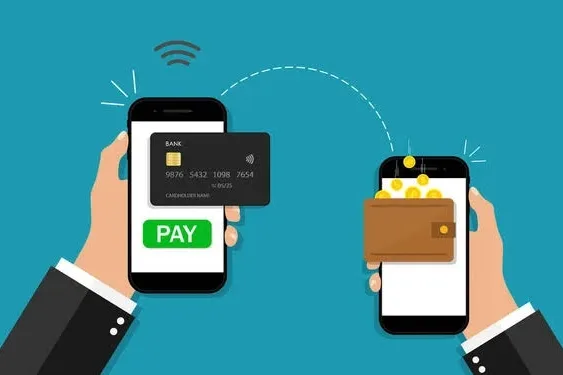
Where should your money be? Digital wallet vs bank account explained
Hey, Nicole, do you have cash? Nicole says, oh no, I don’t! Money in the past used to live in purses, pockets, envelopes, under pillows and the most hilarious of it all, under the soil. But currently, our money now lives on screens, and that’s why when Nicole was asked if she had cash. She said No. Apparently, Nicole had saved all her money in a digital wallet and a bank account. What is a digital wallet? A digital wallet is an app on your phone that lets you store and use your money digitally. Instead of carrying cash, ATM cards and loyalty cards, You have it all contained in your phone. With a digital wallet, you can send money to friends instantly, receive money quickly and pay for subscriptions and online shopping. It is designed for speed and convenience. Leading examples of digital wallets in Nigeria are Paga, Chipper Cash, KongaPay, Firstmonie Wallet, PocketApp, Google Wallet, and eNaira Speed Wallet. The red flag for most digital wallets is, they are built for movement not long term storage. Most digital wallets don’t store large amounts of money long-term. Instead of carrying cash, ATM cards and loyalty cards, You have it all contained in your phone. With a digital wallet, you can send money to friends instantly, receive money quickly and pay for subscriptions and online shopping. It is designed for speed and convenience. Leading examples of digital wallets in Nigeria are Paga, Chipper Cash, KongaPay, Firstmonie Wallet, PocketApp, Google Wallet, and eNaira Speed Wallet. The red flag for most digital wallets is, they are built for movement not long term storage. Most digital wallets don’t store large amounts of money long-term. How to open a digital wallet These are the steps you can apply to open a digital wallet. Preparation Before you begin, make sure you have the things ready. You will need a working phone number, access to the Internet, and your personal details such as your full name, date of birth and Bank Verification Number (BVN). Having all these requirements ready will make the process quicker and smoother. Download the App If you are using an Android phone, go tqo Google Playstore or the Apple App Store if you are using an iPhone. Search for a trusted fintech app like Paga, Chipper Cash, KongaPay, or Firstmonie Wallet. Once you find your preferred app, download and install the official version on your phone. Initial sign-up Open the app and tap on SIGN UP or CREATE AN ACCOUNT tab. Enter your phone number, then wait for a One-Time Password (OTP) to be sent to you via SMS. Type in the OTP to confirm your number and continue with the registration process. Provide personal detail At this point, you will need to fill in your personal details. This includes your full name (exactly as it appears on your BVN), your date of birth, and your email address. You will also be asked to create 4 or 6 transaction digit PIN. This pin is very important because it will be used to approve payments and transfers. In some cases, you may be asked to upload a clear selfie or a profile picture to verify your identity. Verify BVN and upgrade account You need to enter your BVN so the app can confirm your identity with the central banking system. At first, your account may be on a basic level with lower transaction limits. To enjoy higher limits, you can upgrade your account by providing additional details such as your National Identification Number (NIN). Fund your wallet Once your account is set up, you will receive a wallet account number. You can move forward to add money to your wallet in different ways. Set up security For your safety, enable extra security features such as fingerprint or Face ID for quick and secure access. Always keep your account details private. Never share your PIN or OTP with anyone, no matter what. What is a bank account? A bank account is a secure place where your money is stored and managed by a bank. It is more structured and more stable. You can save money, receive salaries or allowances, withdraw cash from ATMs, and transfer money with a bank account. How to open a bank account Visit a Bank Near You Go to any bank branch close to you. Walk into the banking hall and let the customer service staff know that you would like to open an account. They will guide you on what to do next. Request and fill the account opening form You will be given a form to fill. Provide your correct personal details, such as your full name, date of birth, phone number, and home address. Make sure everything you write is accurate to avoid any issues later. Provide required documents You will need to submit some important documents like your National ID, Voter’s Card, Passport, Bank Verification Number (BVN) and a recent passport photograph. All these are for verification purposes. Some banks may also ask for proof of address. Complete verification (KYC) The bank will verify your details to confirm your identity. This process is known as Know Your Customer (KYC). Once your details are confirmed, your account will be created. Deposit money into your account After your account is opened, you may need to deposit a small amount of money to activate it. This can be done right at the bank counter. Receive your account details You will be given your account number, which you can use to receive money. Some banks may also give you a debit card immediately, while others may ask you to come back later to collect it. Set up security and access You may be asked to create a PIN for your debit card and register for mobile or internet banking. Always keep your details safe and never share your PIN with anyone. Key Differences Between Digital Wallets and Bank Accounts. A digital wallet and a bank account are both ways