If you are searching for how to track a lost phone in Nigeria without internet connection, this article is here to help you. Remember, losing your phone can be very stressful, especially in Nigeria where resources may be limited and you might not always have access to internet data. We will explain in simple, easy-to-understand English how you can try to locate your phone even when it’s offline or you don’t have access to WiFi or mobile data. We’ll look at things you can do before, during and after the loss, to give you the best chance of recovering your device. Let’s get started. Why tracking a lost phone without internet connection is important When a phone goes missing and there is no internet or mobile data connection, many of the usual tracking tools (like live GPS tracking, phone-finding apps, or cloud services) may not work. But that does not mean all hope is lost. If you have planned ahead, you can use other methods such as SIM-based tracking, getting help from your mobile network, locating the phone via IMEI number, or using offline features built into some devices. This kind of planning becomes especially important in Nigeria, where network issues, power outages, or data costs can make internet-based tracking difficult. Tracking a lost phone without internet connection means you rely on methods that do not need your phone to be online. It means using built-in features, working with your network provider, or using physical steps. By understanding these methods, you give yourself a better chance of recovering the phone or at least stopping misuse. Our focus here is how to track a lost phone in Nigeria without internet connection, covering what you should do immediately, what you can ask your network provider, and what you should do after you get it back (or to prevent future loss). Recommended Guide: How to share data on MTN, Airtel, Glo, and 9mobile instantly Prepare your phone before loss: set up security & offline options Before your phone is lost (or as early as you can), take these steps to make tracking easier later. By doing these things ahead of time, you are much better prepared for how to track a lost phone in Nigeria without internet connection. Immediate steps when you realise your phone is missing If you spot that your phone is missing, act quickly. The sooner you start, the higher your chance of recovery. Network-based tracking: how your mobile provider can help Since you may not have internet connection on the lost phone, your network provider becomes a major asset. Using these network-based methods is a big part of how to track a lost phone in Nigeria without internet connection. Using offline phone features to increase recovery chances Even without internet, your phone might have features or settings that can help. These offline features add extra layers to the process of tracking a lost phone in Nigeria without internet connection. Recommended Guide: Top Telegram channels for crypto trading signals & forex in Nigeria What to do after you get your phone back or decide it’s lost for good If you recover the phone or if you decide recovery is unlikely, here are steps to protect yourself and future losses. Even if you never get your phone back, you will still benefit from these steps by safeguarding your personal data and reducing the impact of the loss. Final tips for success To learn how to track a lost phone in Nigeria without internet connection, you must plan ahead, act quickly, and make use of offline and network-based methods. Here is a quick summary of the key actions: Conclusion In Nigeria, phones are often lost in taxis, markets, buses or public places. Act fast, involve people around you, report to your network and police, and use the steps above. The faster you move, the more likely you are to succeed. By following these clear steps and being prepared in advance, you will greatly increase your chances of recovering your device or at least limiting damage. And you will have done everything you can to track your phone—even without an internet connection. I hope this article helps you produce a reliable and reader-friendly blog post for your client. Let me know if you would like me to include a short checklist for download, or add any local Nigerian examples to further “wow” your client!
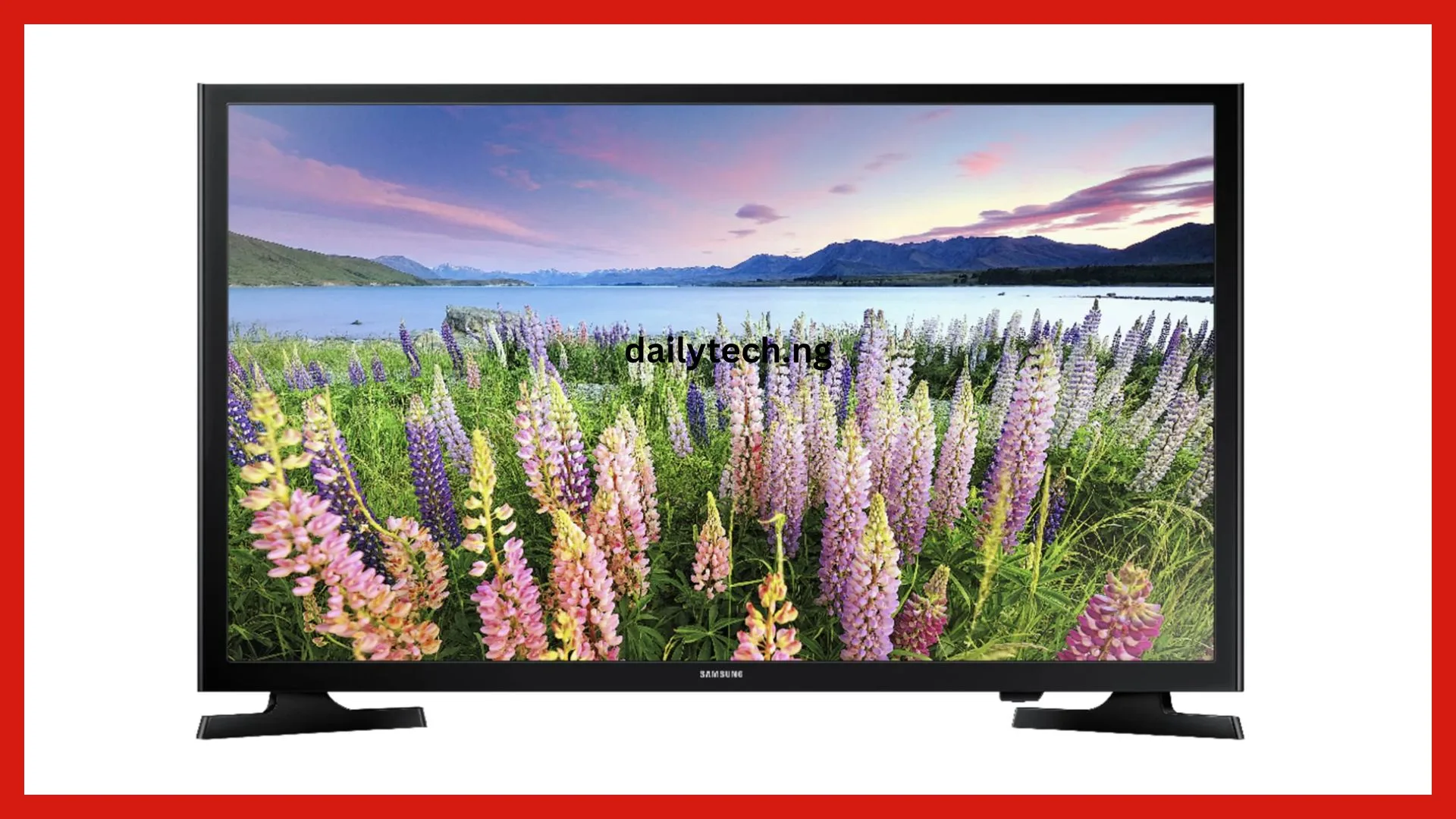
Top 5 cheapest Smart TVs in Nigeria with reviews (2025 list)
If you are searching for the top 5 cheapest Smart TVs in Nigeria with reviews (2025 list), you’re in the right place. Buying a Smart TV no longer means spending a fortune. Many brands now make affordable Smart TVs that deliver excellent picture quality, clear sound, and internet access all at pocket-friendly prices. This 2025, Nigerian homes are becoming more digital, and people now want TVs that can connect to Wi-Fi, YouTube, Netflix, Showmax, and other streaming apps. Thankfully, you don’t have to break the bank to enjoy these features. In this article, we’ll look at the best and cheapest Smart TVs in Nigeria, their features, performance, and prices, so you can pick the one that fits your budget. What to look for when buying a smart TV in Nigeria Before we look at the top 5, here are a few things you should always check before buying any Smart TV in Nigeria: Recommended Guide: Top Telegram channels for Nigerian football & live match streaming links Top 5 cheapest Smart TVs in Nigeria with reviews (2025 list) Now, let’s move straight into the top 5 cheapest Smart TVs in Nigeria for 2025, with honest reviews to guide you. 1. Hisense 32-Inch Smart TV (Model A4 Series) The Hisense 32-inch Smart TV is one of the most popular affordable TVs in Nigeria. It’s ideal for small rooms, student apartments, or anyone who wants a good Smart TV at a low cost. Key features: Review:The Hisense A4 Series delivers sharp and bright images with good sound quality for its size. It’s very easy to set up and supports fast streaming once connected to Wi-Fi. Many users love its durability and easy-to-use remote control. Estimated price (2025): ₦95,000 – ₦110,000 If you want a small, energy-saving, and budget-friendly Smart TV, this is one of the best choices. 2. LG 43-Inch Full HD Smart TV The LG 43-inch Smart TV offers a balance between price, quality, and performance. LG is known for its strong picture clarity and long-lasting products. Key features: Review:This Smart TV produces bright and natural colors, making movies and sports look great. The sound system is clear, and its user interface is smooth and easy to navigate. For families or movie lovers, it’s a great mid-range choice. Estimated price (2025): ₦185,000 – ₦210,000 Although slightly more expensive than 32-inch models, this LG Smart TV offers better resolution and size, making it worth every naira. 3. Syinix 32-Inch Smart Android TV Syinix has grown in popularity across Nigeria because of its affordability and simple design. The Syinix 32-inch Smart TV gives you Android TV features at a low cost. Key features: Review:This TV lets you download and use Android apps easily. You can connect your phone or stream videos directly. Its interface is fast, and the display is surprisingly sharp for its price. Estimated price (2025): ₦88,000 – ₦105,000 If you’re looking for a Smart TV that gives you Android features without spending much, Syinix 32-inch is one of the top options. 4. Samsung 40-Inch Full HD Smart TV The Samsung 40-inch Smart TV is one of the most durable and reliable TVs available in Nigeria. Samsung products are known for their long lifespan and picture perfection. Key features: Review:The picture quality is outstanding, and the sound is rich and clear. It also has strong network connectivity for smooth streaming. Many users say it performs like a premium TV even though it’s mid-range in price. Estimated price (2025): ₦230,000 – ₦250,000 While not the cheapest, its performance, brand reliability, and durability make it a smart long-term investment. 5. Tornado 43-Inch 4K UHD Smart TV The Tornado 43-inch Smart TV is a hidden gem among affordable brands in Nigeria. It offers 4K Ultra HD quality at a surprisingly low price, giving you more for less. Key features: Review:The Tornado 43-inch Smart TV delivers clear, crisp, and bright images, especially when streaming 4K content. It has a clean design, smooth interface, and good sound performance. Users love that it offers features you’d expect from a higher-priced model. Estimated price (2025): ₦160,000 – ₦175,000 This is one of the cheapest 4K Smart TVs in Nigeria and an excellent choice for anyone who wants high-end visuals on a tight budget. Where to buy cheap smart TVs in Nigeria You can buy any of the Smart TVs listed above from trusted online and offline stores such as: Always make sure to buy from verified dealers to enjoy warranty and original products. Avoid very cheap deals from untrusted sellers, especially on social media, as they may sell refurbished or fake products. Recommended Guide: How to share data on MTN, Airtel, Glo, and 9mobile instantly How to make your smart TV last longer To make sure your Smart TV lasts for years, here are a few easy tips: Conclusion Finding the top 5 cheapest Smart TVs in Nigeria with reviews (2025 list) doesn’t have to be stressful. The models we’ve listed, Hisense 32-inch, LG 43-inch, Syinix 32-inch, Samsung 40-inch, and Tornado 43-inch, are the best budget-friendly Smart TVs that combine good performance, clear display, and reliability. Whether you’re a student, family, or office user, these TVs give you great value for money. They all support Wi-Fi, streaming apps, and HD or 4K quality without costing too much. When buying, always check for warranty, power stability, and screen size that fits your space. With the right Smart TV, you can enjoy your favorite movies, shows, and music in clear picture and sound, all while staying within your budget.

Best offline apps for Nigerian students
In this post, we’ll look at some of the best offline apps for Nigerian students in 2025. Many Nigerian students struggle with poor internet connection or limited data, especially in areas where network service is weak or expensive. That’s why finding the best offline apps for Nigerian students (no data needed) is so important. These apps can help you study, read, write, learn new skills, or even prepare for exams, all without using any internet connection. Whether you’re in secondary school, university, or learning from home, these apps will make your study life easier and smarter. Why offline apps matter for students in Nigeria In Nigeria, internet data is not always cheap, and some areas have weak network coverage. Many students depend on mobile data to learn online, download books, or attend classes. But when data runs out, learning can stop. Offline apps help solve this problem. They let you continue reading, learning, or doing assignments even when you’re not connected to the internet. With these apps, you can: These benefits make offline apps a must-have for all Nigerian students. Recommended Guide: Top Telegram channels for Nigerian football & live match streaming links Best offline dictionary app – English Dictionary (Offline) A good dictionary helps you understand new words easily. The English Dictionary (Offline) app is one of the best tools for Nigerian students who want to learn better English. You don’t need data to use it once installed; you can search any English word, see its meaning, pronunciation, and even examples. It’s simple to use and very helpful for writing essays, assignments, and improving your vocabulary. Why it’s great: This app is available on the Google Play Store and is perfect for students in secondary school, university, or any level of learning. Best offline reading app – eReader Prestigio If you love reading books or notes on your phone, eReader Prestigio is one of the best offline reading apps for Nigerian students. You can use it to read PDF files, textbooks, or eBooks without using any data. It supports different file types like PDF, ePub, and TXT. You can also change text size, color, and background for easy reading. Why students love it: This app is perfect for students who download their school materials and want to read them anytime. Best offline calculator app – HiPER Scientific Calculator Every student needs a reliable calculator. HiPER Scientific Calculator works perfectly without internet and is great for secondary school and university students studying mathematics, physics, or engineering. It performs basic and advanced calculations and even shows steps for some problems. Features: This app is one of the most trusted offline calculators used by students all over Nigeria. Best offline note-taking app – ColorNote When you want to jot down class notes, reminders, or ideas without worrying about data, ColorNote is your best option. It’s easy to use and helps you keep all your notes in one place. You can organize your notes by color, create checklists for assignments, and even set alarms for deadlines, all without the internet. Why students like it: This app is great for students who want a digital notebook that works without stress. Best offline learning app – Khan Academy While Khan Academy usually needs the internet to watch videos, it also has an offline learning feature. You can download lessons and watch them later without using data. The app covers subjects like Mathematics, Science, Economics, and History. Nigerian students preparing for WAEC, NECO, or JAMB can find helpful topics here. Key features: Khan Academy is one of the best free education apps in the world, and it’s great for Nigerian students who want to learn at their own pace. Best offline quiz app – JAMB CBT Practice (by Awabe) If you’re preparing for JAMB, WAEC, or NECO, the JAMB CBT Practice (Awabe) app is a great offline study tool. It lets you practice past questions, check answers, and track your progress all without internet. The app covers subjects like English, Mathematics, Physics, Chemistry, Biology, and Government. Why it’s useful: This app helps students prepare for exams anytime and anywhere, even without data. Best offline language learning app – Duolingo (Offline Lessons) Duolingo is popular for learning new languages, and it also works offline. You can download lessons and study languages like English, French, Spanish, or German without using data. It’s great for Nigerian students who want to improve their English or learn another language for school or travel. What makes it good: You can download your preferred language lessons when you have Wi-Fi, then study them later without data. Best offline file sharing app – Xender Many students like to share notes, videos, and files with friends. Xender lets you transfer any file from one phone to another without using data or Bluetooth. It’s very fast and works between Android and iPhone. Why it’s great: Nigerian students often use Xender to share assignments, music, and videos without spending money on data. Best offline PDF app – Adobe Acrobat Reader Most Nigerian students use PDF files for lecture notes, handouts, or textbooks. Adobe Acrobat Reader is one of the best offline apps for reading and managing PDFs. Once your PDF files are saved on your phone, you can open and read them anytime, no internet needed. Features: Every student should have this app installed, as most academic materials today come in PDF format. Best offline music and relaxation app – Boomplay (Offline Mode) Students also need time to relax. Boomplay allows you to download songs when you have data and then listen to them offline later. Music helps reduce stress after long hours of reading. Why students enjoy it: Listening to music while studying can help improve focus and make learning more enjoyable. Best offline bible app – YouVersion Bible (Offline Mode) For Christian students who love reading the Bible, YouVersion Bible is one of the best offline apps. You can download your favorite Bible translation and read anytime, even without an internet connection. Why it’s useful:
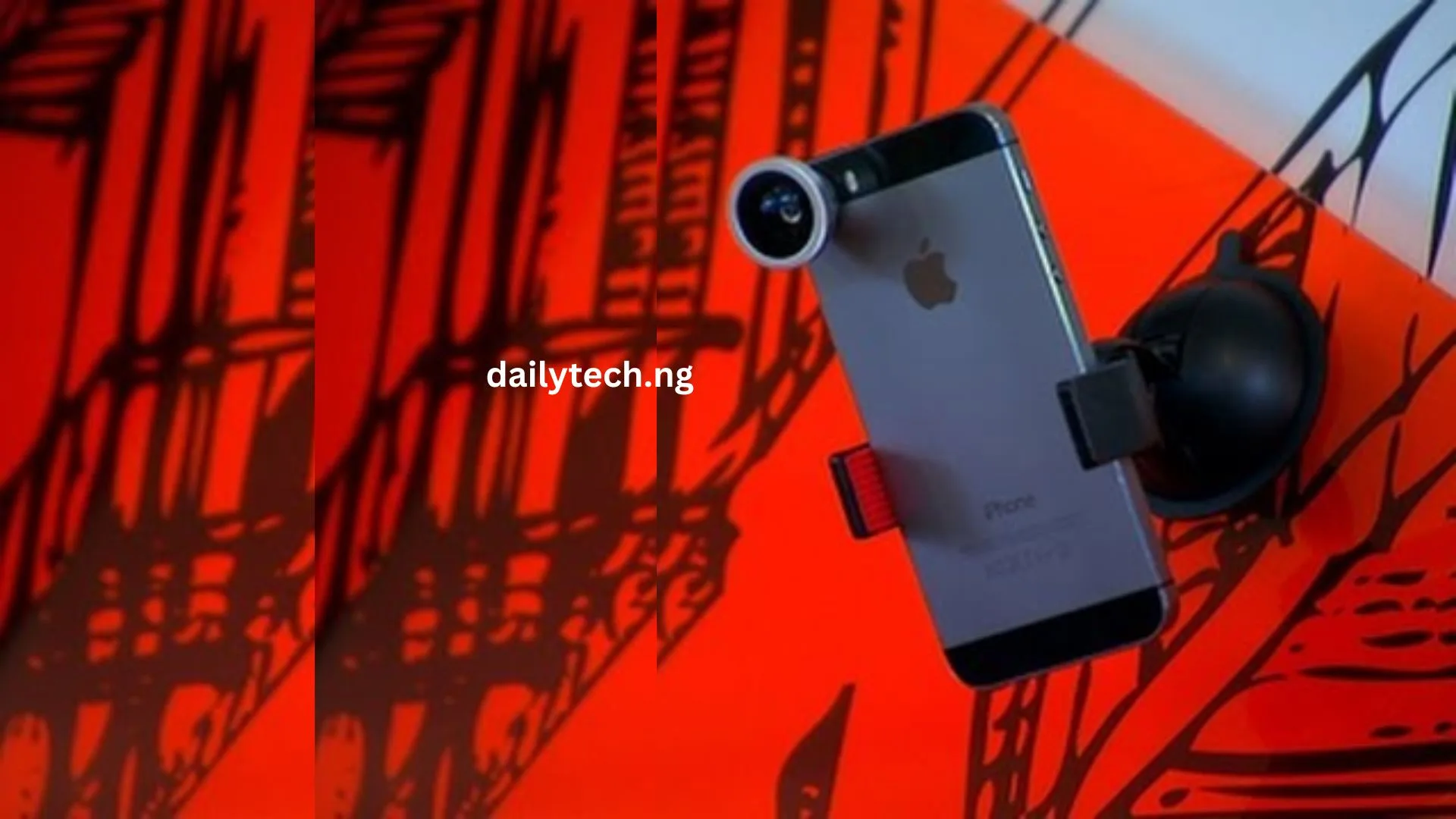
How to convert your old Android phone into a CCTV camera in Nigeria
Looking for how to convert your old Android phone into a CCTV camera in Nigeria using simple, free, and legal methods that anyone can do without being a tech expert? Then this is the perfect article that will help you turn your old Android phone into a working CCTV camera in Nigeria. Instead of throwing away your old phone or leaving it inside a drawer, you can use it to monitor your home, shop, office, or even your compound. Let’s go step by step so you can start watching your surroundings anytime, anywhere. Why you should use your old phone as a CCTV camera Turning your old phone into a CCTV camera saves you money and helps you stay secure. Buying a new CCTV setup can be expensive, but an old Android phone can do almost the same job. Here are a few reasons why this idea is great: Recommended Guide: Best free VPNs that work in Nigeria without speed limits What you need before starting Before learning how to convert your old Android phone into a CCTV camera in Nigeria, you should have a few things ready. You will need: Once you have these things, you can move to the next step. Choose a good CCTV app for your Android phone To turn your old Android phone into a CCTV camera, you need a reliable app that can stream and record videos. There are several free apps that can do this perfectly in Nigeria. Here are some of the best apps you can use: 1. Alfred Camera This is one of the most popular CCTV apps in the world. It is easy to use and works smoothly even on older phones. Alfred Camera lets you watch live video, record, and get instant alerts when it detects motion. 2. Manything Manything also allows you to use your phone as a smart security camera. You can stream live, record to the cloud, and watch your footage anytime. 3. IP Webcam IP Webcam turns your phone into a real web camera. You can view the video feed from a browser or another device connected to the same Wi-Fi network. 4. WardenCam WardenCam is another trusted option that allows you to watch your camera feed from anywhere using your Google Drive or Dropbox. You can choose any of these apps based on your preference. All of them are available for free on the Google Play Store. How to set up the CCTV app on your old Android phone Follow these easy steps to set up your old Android phone as a CCTV camera: Once you complete these steps, your old phone will start showing live footage on your current phone. Where to place your old phone as a CCTV camera Placement is very important. You should put the phone where it can capture the area you want to monitor. Here are some ideas: Make sure it’s placed at a high angle to capture a wide area. You can use a tripod, old phone stand, or even hang it on the wall. How to watch your CCTV feed Once your setup is ready, you can watch the live video feed from your main phone, tablet, or even your laptop. Some apps even allow you to record and save the footage for later viewing. How to keep your phone camera on 24/7 Since your old phone will work as a CCTV camera all the time, it needs power. Always plug it into a stable charger. Also: These small steps will make your CCTV system work longer without any issue. How to use it without an internet connection If you don’t have internet access, don’t worry. You can still use your old phone as a CCTV camera without data by connecting both phones to the same Wi-Fi network or mobile hotspot. Here’s how: This is very useful if you are in areas with poor internet connection. How to store and manage your recordings Most CCTV apps allow you to save recordings either on your phone’s memory or on cloud storage like Google Drive or Dropbox. If your old phone has a memory card slot, you can insert one for more space. For cloud storage, you can watch your recordings from anywhere, even when you are far from home. Remember to delete old recordings when the memory gets full. How to make your setup more secure To prevent anyone from accessing your CCTV feed, make sure to: This will keep your camera and data safe. Advantages of using your old Android phone as a CCTV camera There are many benefits to converting your old Android phone into a CCTV camera: These advantages make it a smart and eco-friendly way to improve your security in Nigeria. Recommended Guide: Top Telegram channels for Nigerian football & live match streaming links Conclusion Now you’ve seen how easy it is to convert your old Android phone into a CCTV camera in Nigeria. You don’t need to buy expensive security systems when you already have what you need. By using apps like Alfred Camera, WardenCam, or IP Webcam, you can watch your home, office, or shop live from another phone or even from your computer. Just follow the simple steps in this guide, make sure your phone stays plugged in, and keep your internet connection stable. Within minutes, you’ll have your very own working CCTV camera system all done legally and for free.
Top 5 cheapest unlimited wi-fi plans in Nigeria right now
If you are looking for cheap unlimited Wi-Fi plans in Nigeria, you’re in the right place. In this article, you will discover the top 5 cheapest unlimited wi-fi plans in Nigeria right now, with details about costs, speeds, coverage, and what to watch out for. An unlimited Wi-Fi plan is an internet subscription where you are not supposed to be cut off when you use a lot of data. In practice, many plans have a Fair Usage Policy (FUP), which means once you cross a certain data limit, your speed may slow down. But for most light to medium users, “unlimited” means you don’t worry about running out of data partway through the month. When I say “cheapest unlimited wi-fi plans”, I mean those plans that offer the most data or least limitations at the lowest monthly cost, in Nigeria, right now. Criteria for choosing the cheapest unlimited plans Before I list the top 5, here are the factors I used to rank them: Recommended Guide: Top Telegram channels for Nigerian football & live match streaming links Top 5 cheapest unlimited wi-fi plans in Nigeria right now With those in mind, here are the top 5 cheapest unlimited wi-fi plans in Nigeria right now. 1. tizeti (wifi.com.ng) – ₦12,500 monthly (residential unlimited) Tizeti, also known as wifi.com.ng, is often cited as one of the most affordable unlimited Wi-Fi providers in Nigeria. This plan is great if you live in an area Tizeti covers and want a low-cost unlimited option. 2. elitewifi – ₦12,500 (for home) EliteWifi (by eStream Networks) is another provider advertising “100% unlimited” Wi-Fi for homes and businesses. Note: The low monthly price is appealing, but the high installation fee means you should plan ahead. 3. fibernet – ₦11,950 (Lite Home) Fibernet is another ISP that offers true unlimited plans via fiber. For users in neighborhoods where fiber is available, Fibernet’s unlimited plan is among the cheapest for truly unlimited usage. 4. fibreone – ₦11,994 (SmartHome plan) According to reports, FibreOne is one of the cheapest ISPs offering unlimited plans with no FUP. If you live in one of their coverage cities, FibreOne gives a great unlimited option at low cost. 5. ipNX – ₦22,253 (Bronze Unlimited) ipNX offers residential unlimited broadband plans with no data cap, though the price is higher than the others listed. Even though it’s more expensive, ipNX is still among the top unlimited plans when considering reliability and nationwide coverage in cities. Comparing the 5 plans Provider Monthly Cost (₦) Speed / Note Unlimited or has FUP? Coverage / Notes Tizeti ~12,500 varies True unlimited (no cap) Lagos, Ogun, Port Harcourt (expanding) EliteWifi ~12,500–15,500 2–15 Mbps (depending) “100% unlimited, no FUP” Available where a survey is possible Fibernet 11,950 up to 10 Mbps Unlimited download Fiber areas FibreOne 11,994 up to 16 Mbps No FUP Lagos, Abuja, Ilorin ipNX 22,253 20 Mbps True unlimited City broadband areas From the table: Tips to pick the best unlimited plan for you Here are things you should check before you subscribe: FAQs Does unlimited truly mean no limits? Many plans call themselves unlimited but impose a Fair Usage Policy. That means after a certain data volume, your speed may drop (throttle). Only a few offer no FUP. Are there mobile operator unlimited router plans? Yes. For example, Airtel has unlimited router bundles. But many of those also have “speed limits after certain data” or extra costs. Which plan is best for heavy users? If you stream, download large files, or run multiple devices, pick a plan that offers higher Mbps and no FUP. Tizeti’s unlimited, fibre plans, or ipNX higher tiers work well. Can I use the unlimited plan for business? Yes. Ask the provider for “business unlimited” or enterprise versions. They often come with better support and service level guarantee. Recommended Guide: How to share data on MTN, Airtel, Glo, and 9mobile instantly Conclusion Getting the right unlimited Wi-Fi plan in Nigeria doesn’t have to be confusing or expensive. From everything we’ve seen, Fibernet and FibreOne stand out as the most affordable choices, both offering real unlimited data at prices below ₦12,000 monthly. Tizeti also remains a strong contender for users who want reliable service and growing coverage, while EliteWifi provides flexible home and business options for people who need steady internet without daily caps. For those who want extra stability and faster speeds in major cities, ipNX is worth the slightly higher cost because of its consistency and strong customer service. In the end, the best plan for you depends on your budget, speed needs, and where you live. Always check coverage, installation fees, and terms before subscribing, and choose a provider that can deliver steady, unlimited connectivity that fits your everyday life.
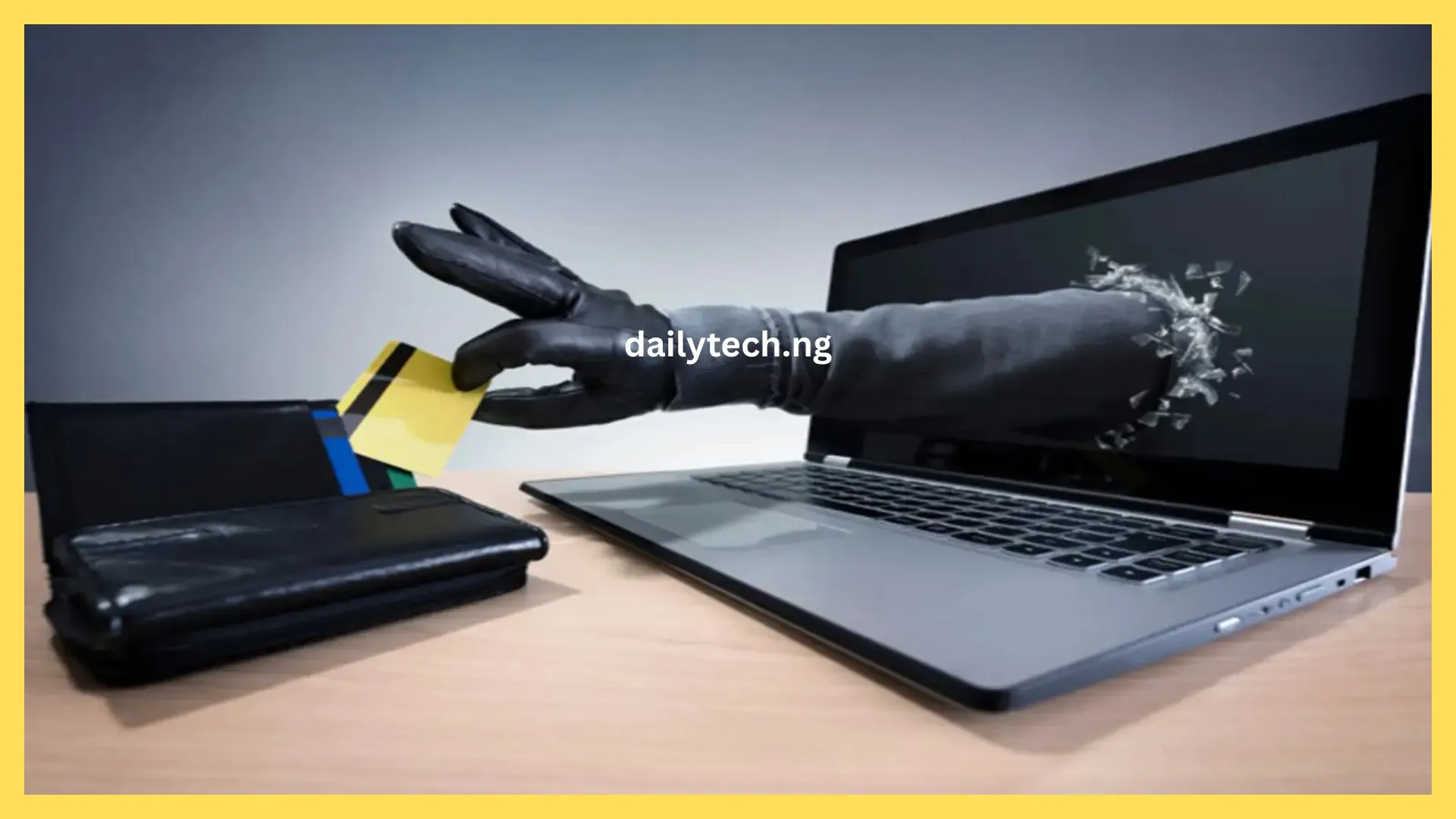
How to stop unknown bank debits and unauthorized deductions in Nigeria
In this guide, you will learn how to stop unknown bank debits and unauthorized deductions in Nigeria, why they happen, and how to protect your money from future losses. So if you ever checked your bank account and noticed money missing for no clear reason, you’re not alone. Many people across Nigeria face the same problem. This article explains everything in simple terms, with no complicated banking language. By the end, you’ll know how to detect, report, and prevent any unwanted deductions from your bank account. What are unknown bank debits? Unknown bank debits are unauthorized withdrawals or charges made from your account without your permission. It could be a small deduction you notice once in a while or a bigger one that takes a chunk of your money. Sometimes, you may not even realize it’s happening until you check your account balance. Common examples include: These deductions can come from different sources your bank, third-party apps, or fraudsters who gained access to your details. Recommended Guide: Top Telegram channels for crypto trading signals & forex in Nigeria Why do unknown bank deductions happen in Nigeria? Before you learn how to stop them, it’s important to understand why unauthorized bank deductions happen. Some of the main reasons include: Now that you know the causes, let’s see what you can do to stop unknown bank debits and unauthorized deductions in Nigeria. How to check for unauthorized deductions Before taking any action, confirm the exact deductions on your account. Here’s how to check properly: If you notice any strange deductions, take note of the date, time, and amount. You’ll need these details when reporting. How to stop unknown bank debits and unauthorized deductions in Nigeria Here are the practical steps to take when you notice unwanted charges on your account. 1. Contact your bank immediately The first and most important step is to call or visit your bank as soon as you notice an unknown debit. Don’t delay. The earlier you report, the faster the issue is resolved. 2. Block your ATM card or account (if you suspect fraud) If the deduction looks suspicious, for example, from an online store or location you didn’t visit, you should block your ATM card or freeze your account immediately. You can do this using: This prevents further withdrawals while the issue is being investigated. 3. unlink suspicious apps and websites If you’ve linked your bank card to apps, online stores, or digital wallets, these platforms can sometimes auto-debit your account without warning. Go through your linked services and cancel any you don’t recognize or no longer use. For example: To unlink your card: This step alone can stop future unauthorized deductions. 4. Set transaction alerts and limits To protect yourself, make sure you receive alerts for every transaction. You can also set daily limits for transfers and payments. That way, if someone tries to take money from your account, you’ll know instantly and can act fast. 5. Change your banking passwords and PINs Sometimes, unauthorized debits happen because your account details have been exposed. Change all your PINs and passwords immediately if you suspect any fraud. Here’s what to do: Banks will never ask you to share these details on the phone or through email. If anyone does, it’s a scam. 6. Report unresolved deductions to CBN or FCCPC If your bank refuses to refund an unauthorized deduction or delays for too long, you can report to higher authorities. You can contact: Attach proof like screenshots, receipts, and communication with your bank. These agencies ensure that banks take responsibility for customers’ lost funds. How to prevent future unauthorized deductions It’s better to prevent these issues than to fix them. Follow these safety tips to avoid losing money again. 1. Avoid sharing your card details online Don’t save your card number or CVV on websites or apps unless they are trusted and secure. Fraudsters often create fake sites to steal card details. Always look for “https” in the website address; it means the site is safe. If not, leave immediately. 2. Don’t click on suspicious links or messages Many fraudsters send fake bank alerts or emails asking you to “update your account.” These are called phishing messages. Never click on links or download attachments from unknown sources. Always confirm any bank message directly from your official bank app or branch. 3. Use a dedicated card for online payments If you often shop or pay bills online, use a separate debit card or virtual card for such transactions. That way, even if the card gets compromised, your main savings remain safe. 4. Monitor your bank account regularly Make it a habit to check your account at least once every week. The earlier you detect an issue, the easier it is to fix. Use your bank mobile app or USSD code to view your last few transactions. If you notice any strange activity, report it right away. 5. Educate yourself and others Many Nigerians lose money simply because they don’t understand how digital banking works. Stay informed. Read about fraud prevention, and share this knowledge with your friends and family, especially elderly people who are new to online banking. What to do if the money was withdrawn by a scammer If you realize your account has been hacked or scammed: The faster you act, the higher the chance of recovering your money. Recommended Guide: How to share data on MTN, Airtel, Glo, and 9mobile instantly conclusion Now you know exactly how to stop unknown bank debits and unauthorized deductions in Nigeria. The key is to stay alert, act fast, and always protect your banking information. Whenever you see strange charges, contact your bank immediately, block your card if necessary, and report unresolved cases to the Central Bank of Nigeria or FCCPC. Remember, your bank account is your financial life; treat it with care. With these simple steps, you can keep your money safe and avoid unwanted surprises in your account.