I’m pretty sure you’re here because you want to know how to check who owns a phone number in Nigeria, whether it’s to avoid scammers, confirm a business contact, or just satisfy your curiosity. Unknown calls are now very common, and with the rise of fraud and spam in Nigeria, identifying the person behind a phone number has become more important than ever. Getting calls or messages from numbers you don’t know can be annoying, scary, or sometimes even exciting. But now there are simple and safe ways to trace or verify a phone number in Nigeria. From apps like Truecaller to using social media platforms, Google search, and even official help from network providers and the NCC, you can find out who is trying to reach you. This guide will walk you step by step through the best methods that actually work in 2025, so you can protect yourself, stay informed, and enjoy peace of mind whenever your phone rings. Why do people want to know who owns a phone number in Nigeria There are many reasons people want to trace a Nigerian phone number, and some of the most common include: In 2025, with Nigeria facing high cases of online fraud, this has become even more important. Recommended: Top 10 Telegram channels every Nigerian should join for free movies, data tips, and updates How to check who owns a phone number in Nigeria using Truecaller One of the most popular tools to trace Nigerian phone numbers is Truecaller. This mobile app has millions of Nigerian users, making it very effective for caller identification. Pros: Cons: Using Facebook and social media to trace Nigerian phone numbers Many Nigerians use their phone numbers to sign up on Facebook, WhatsApp, and Instagram. You can sometimes find the owner of a number through these steps: This is one of the fastest free methods to identify numbers in Nigeria. How to check who owns a phone number in Nigeria through NIMC and NCC In Nigeria, every phone number is officially linked to a National Identification Number (NIN) through SIM registration. The Nigerian Communications Commission (NCC) and mobile network providers like MTN, Glo, Airtel, and 9mobile require proper registration. While individuals cannot directly access NIMC databases for privacy reasons, you can: This method is not instant, but it is the most official and reliable way in Nigeria. How to use online reverse phone lookup services There are websites that offer reverse phone number lookup for Nigerian numbers. Examples include: You simply enter the Nigerian phone number, and the service searches its database. However, results can sometimes be limited for local Nigerian lines. Check who owns a phone number in Nigeria using Google search Sometimes, the simplest tool is Google. Just type the unknown number in the search box with quotation marks (“0803xxxxxxx”), and if the number has ever been used online, you may find: This works especially well if the number belongs to a company or scammer that others have reported online. Contacting mobile network providers directly If you feel the unknown number is threatening or suspicious, you can contact MTN, Airtel, Glo, or 9mobile customer care. They will not reveal personal details for privacy, but they may assist if you provide: In cases of fraud, they work with law enforcement to trace the owner. Mobile apps that help identify Nigerian phone numbers Apart from Truecaller, several apps can help you check who owns a phone number in Nigeria: These apps use large user databases to identify numbers, but accuracy may vary. Legal ways to trace a phone number in Nigeria In 2025, it is important to know the difference between legal and illegal methods. Legal ways include: Illegal methods like hacking or bribing telecom workers should be avoided, as they can land you in legal trouble. What not to do when checking who owns a phone number While trying to trace numbers, avoid: Always protect your privacy while searching. Future of phone number tracking in Nigeria (2025 and beyond) With Nigeria’s push for digital identity and the full linking of SIM cards to NIN, it is becoming easier for authorities to trace numbers. In the future: This means checking who owns a number in Nigeria will get faster and more accurate. Recommended: How to bypass “your device isn’t compatible” on Google Play Store in Nigeria FAQs on how to check who owns a phone number in Nigeria 1. Can I find the exact home address of a phone number owner? No, for privacy reasons you cannot access such details unless through law enforcement. 2. Is Truecaller 100% accurate in Nigeria? Not always, but it works for most common numbers. 3. Can I trace a Nigerian number for free? Yes, using WhatsApp, Facebook, or Google search. 4. Can the police track a scammer’s number? Yes, they can with help from mobile networks and the NCC. 5. Is it legal to use apps to check phone numbers? Yes, as long as they are verified and safe apps. Conclusion Knowing how to check who owns a phone number in Nigeria in 2025 is very important for safety, business, and peace of mind. From using free methods like WhatsApp, Facebook, and Google search, to apps like Truecaller and CallApp, and even official channels like NCC and mobile networks, there are many safe ways to identify unknown callers. While curiosity is normal, always stay on the legal side and protect your privacy. With technology improving in Nigeria, identifying unknown numbers will only get easier in the future. So next time you get a call from an unknown Nigerian number, you now know the simple steps to trace it safely.
Best Telegram channels for JAMB, WAEC & NECO exam prep materials
The best Telegram channels for JAMB, WAEC & NECO exam prep materials have become very important for students who want to succeed in these national exams. Today, exam preparation is no longer limited to just textbooks and classrooms. With Telegram, students can easily access past questions, study guides, practice tests, tutorials, and free resources that make studying faster and more effective. Many of these channels share updated exam tips, solved questions, and subject-specific notes that help students build confidence before sitting for JAMB, WAEC, or NECO. Parents and teachers also recommend Telegram because it gives students access to large libraries of learning content without spending money on extra books. So it doesnt matter if you are preparing for English, Mathematics, Biology, Government, or any other subject, you can find well-arranged study materials on these channels. This article will guide you through the top Telegram channels every student should join to boost exam success. Why use telegram channels for exam preparation? Before we list the best channels, let’s first understand why Telegram is good for exam preparation: Recommended Guide: 7 Best power banks in Nigeria with high charging speed (tested in 2025) Best Telegram channels for JAMB exam prep materials When it comes to preparing for JAMB, practice and understanding of past questions are very important. Below are some of the best Telegram channels that share JAMB resources: 1. JAMB prep hub This channel focuses mainly on JAMB past questions and answers. Students can download subjects like English, Mathematics, Physics, Chemistry, Government, and others. It also posts daily practice quizzes that help students test themselves. 2. My JAMB success channel This channel shares motivational tips along with study resources. It provides breakdowns of common JAMB topics and short notes that are easy to understand. They also organize free mock tests to help students prepare better. 3. JAMB past questions bank Here, students can get a wide collection of JAMB past questions, dating as far back as ten years. The questions are arranged by subject, making it easier to focus on weak areas. 4. Smart JAMB tutorials This is not just a past question channel. It also shares video tutorials that explain difficult topics like comprehension, graphs, or physics calculations. Visual learners will find this channel very useful. Best Telegram channels for WAEC exam prep materials WAEC is one of the most important exams for students in Nigeria and West Africa. Below are some reliable Telegram channels for WAEC preparation: 5. WAEC prep online This channel shares WAEC past questions, marking schemes, and solutions. Students can find resources for core subjects like Mathematics, English, Biology, and Economics. 6. WAEC brain builders This channel focuses on WAEC tutorials with solved answers. It also provides practice questions every week so students can prepare step by step. 7. WAEC past questions store As the name suggests, this channel is all about past questions. It has a wide archive of WAEC papers across science, arts, and commercial subjects. 8. WAEC exam tips hub Apart from past questions, this channel provides helpful exam strategies. It teaches students how to manage time during exams, how to answer theory questions, and how to avoid common mistakes. Best Telegram channels for NECO exam prep materials NECO is another major exam for secondary school students in Nigeria. Thankfully, many Telegram channels also provide NECO past questions and solutions. 9. NECO study zone This channel is fully dedicated to NECO. Students can get question banks, solved papers, and marking guides. 10. NECO smart learners This channel posts daily questions from NECO past exams to keep students active. It also shares motivational content to keep learners focused. 11. NECO past questions PDF hub Here, students can download NECO past questions for free. The channel is well-organized, and each subject has its own folder for easy access. 12. NECO practice online This is an interactive channel where students can take practice tests. It’s very useful for those who want to build speed and confidence before the real exam. General telegram channels for JAMB, WAEC, and NECO Some Telegram channels combine resources for all three exams. These channels are useful for students who are preparing for more than one exam at the same time. 13. Exam prep Nigeria This channel offers a mix of JAMB, WAEC, and NECO materials. It is especially useful for students who want everything in one place. 14. All exams hub As the name suggests, this channel provides study materials for different exams. It also includes scholarships and admission updates, which makes it a bonus for students. 15. Scholars Nigeria This channel not only shares study materials but also provides educational news, university cut-off marks, and school fee updates. 16. Student support library This is a general educational channel that shares resources for JAMB, WAEC, and NECO. It also posts motivational content to help students stay encouraged. How to join these telegram channels Joining these channels is very simple: Once you join, you can start downloading past questions, notes, and tutorials. Tips for using telegram for exam preparation While these channels are very helpful, students should use them wisely. Here are some tips: Recommended Guide: How to connect your phone to a TV without a cable (for Android and iPhone) Conclusion Finding the best Telegram channels for JAMB, WAEC, and NECO exam prep materials is a smart way to prepare for success. These channels make it easy to access past questions, marking schemes, study notes, and tutorials without spending money on books. Whether you are a student preparing for JAMB, writing WAEC for the first time, or sitting for NECO, Telegram provides free and reliable resources to help you. Success in exams comes from preparation and discipline. With the right materials from these channels, combined with a good study habit, every student can achieve great results. Parents can also guide their children by ensuring they join these helpful channels and stay focused. If you are preparing for JAMB, WAEC, or NECO, don’t waste time. Download Telegram today, join the best
How to apply for your Virtual Vehicle Tinted Permit: A step-by-step guide for Nigerian motorists
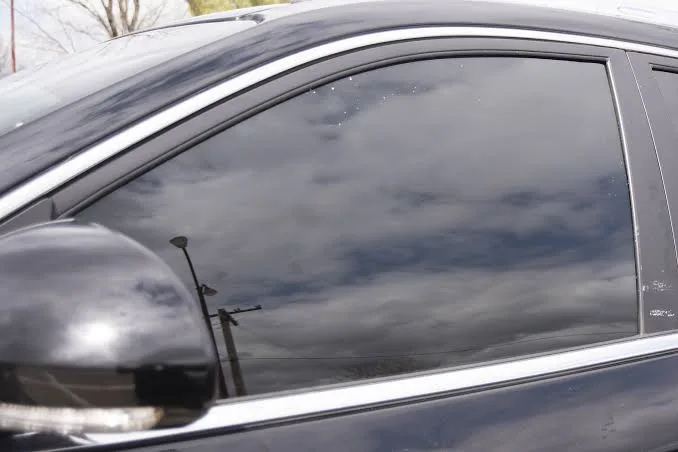
The Nigeria Police Force (NPF) has fully digitized the process for obtaining vehicle tinted glass permits to enhance transparency and convenience, with enforcement starting officially on October 2, 2025. Vehicle owners across Nigeria can now apply for their annual tinted glass permit online through the Police Specialized Services Automation Project (POSSAP) portal, www.possap.gov.ng, in compliance with the directives announced by the Inspector-General of Police, Kayode Egbetokun, earlier this year. To obtain your virtual vehicle tinted permit, Nigerian motorists should follow this clear six-step procedure: 1. Registration: Visit www.possap.gov.ng and create an account using your National Identification Number (NIN) and Vehicle Number (VN). Corporate entities will use their Tax Identification Number (TIN). 2. Service Selection and Payment: Select “Tinted Glass Permit” from the service list, validate your Vehicle Identification Number (VIN) on the verification page, and make a ₦2,850 payment for VIN validation. 3. Document Upload: Return to the application page to upload essential documents including vehicle ownership proof, vehicle license data page, and a clear photograph of your vehicle. Each file should be below 2MB. 4. Permit Application Fee: Pay the permit processing fee of ₦14,200 online through the portal. 5. Facial Verification: Complete the facial verification step, accessible through automatic redirection during application or via an email link sent to you. 6. Biometric Capture and Verification: After submitting your online application, print the application form and visit the State Intelligence Bureau (SIB) of any Police Command to provide biometric data (fingerprints and photo). Those applying on medical grounds must upload a government hospital medical report and bring original documents for verification. The Nigeria Police Force has emphasized that accurate information matching the official vehicle registration details is crucial to avoid delays or rejection. Once the biometric capture and document verification are successfully completed, the Police will process the application, typically concluding within five working days. Notifications for approval and digital permits will be issued via the POSSAP platform where permits can be downloaded and printed. The new digital permit includes a QR code for easy verification. Applicants encountering difficulties can seek assistance at their State Police Command Intelligence Bureau or the Force Headquarters in Abuja. Force to leverage technology in delivering efficient public services. Compliance with this policy is mandatory under the National Road Traffic Regulation (1997) and Motor Vehicle (Prohibition of Tinted Glass) Act, ensuring road safety and lawful vehicle operation across Nigeria.
Warning: Woman fatally electrocuted in bath while using plugged-in iPhone
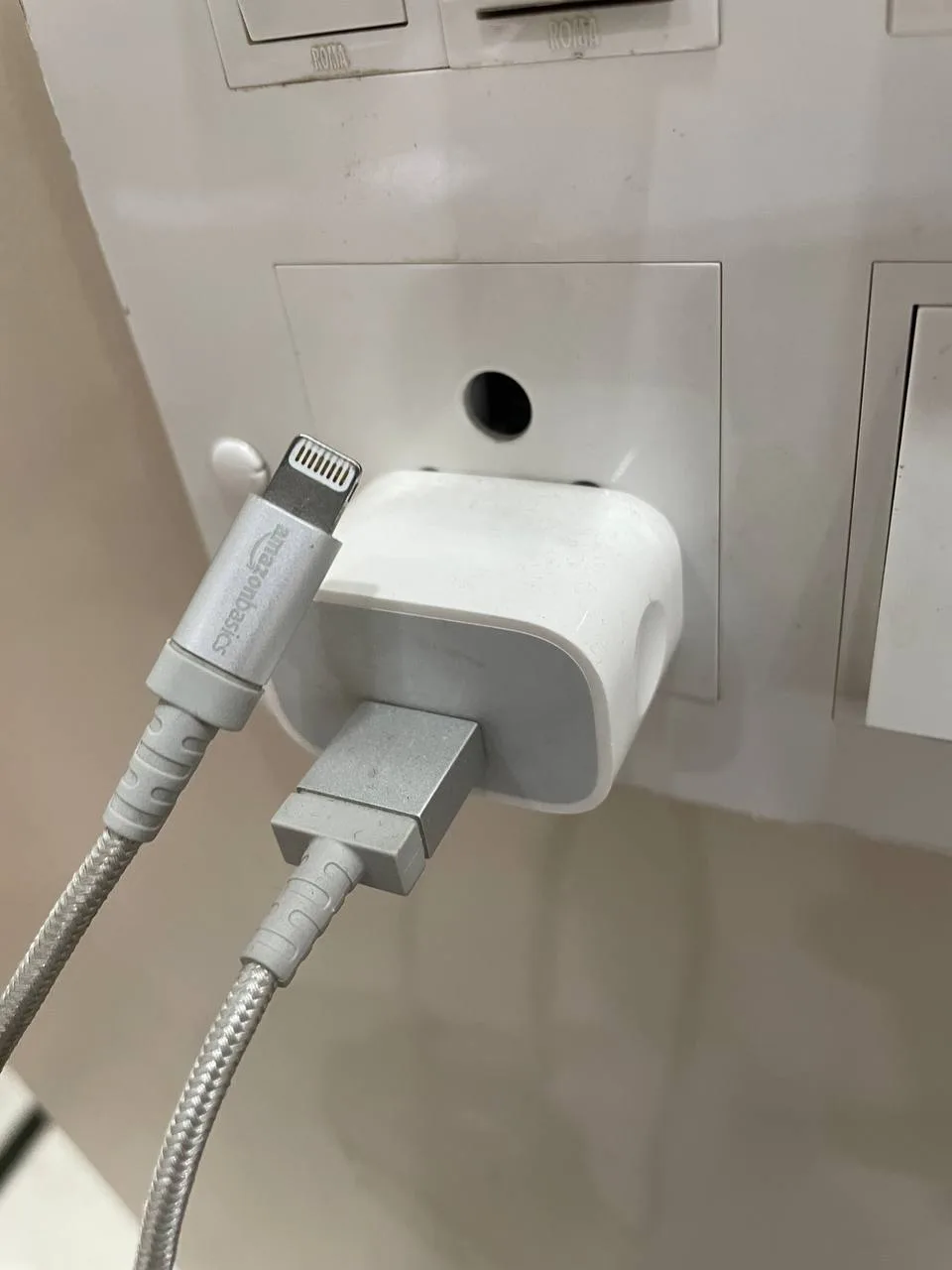
Ann-Marie O’Gorman, 46, a mother of three from Dublin, Ireland, tragically died last year from electrocution after holding her iPhone while it was plugged in and charging in the bath. The inquest held on September 30, 2025, revealed key details about the circumstances of her death and raised safety concerns over the use of electronic devices near water. O’Gorman was found unresponsive in her bathtub by her husband, Joe O’Gorman, after a brief phone call earlier in the evening while he was driving home. Upon discovering her, he observed the charging cable and iPhone partially submerged in the bathwater and immediately disconnected the device. Emergency services were called, but Ann-Marie was pronounced dead at the scene. A post-mortem examination found electrocution burns on her chest and hands, with toxicology tests clearing any other contributing factors. The official cause of death was ruled as electrocution caused by the charging phone and cable while in the bath. At the inquest, forensic engineer Paul Collins noted that the phone may have slipped into the water, and when Ann-Marie tried to retrieve it, her finger touched a metal shower fitting, completing an electrical circuit. He stated, “If she had not taken her hand out of the bath, she would probably still be alive.” Her husband stressed the need for explicit safety warnings on electronic device packaging regarding use near water, lamenting the common marketing that phones are “water resistant” without emphasizing the dangers of charging devices in wet environments. Paramedics and medical officials confirmed that Ann-Marie, despite underlying conditions like Von Willebrand and Graves’ disease, was otherwise healthy and a regular gym-goer. Her sudden death shines a light on an underappreciated hazard of electrical devices, with similar fatal cases reported worldwide involving charging phones near water. This tragic incident underscores the urgent need for greater public awareness and safety regulations regarding the use of electrical devices in bathrooms and other wet areas, especially as there are more adverts aggressively promoting ‘water-resistant phones’. Authorities and manufacturers face pressure to enhance warnings to prevent further accidents.
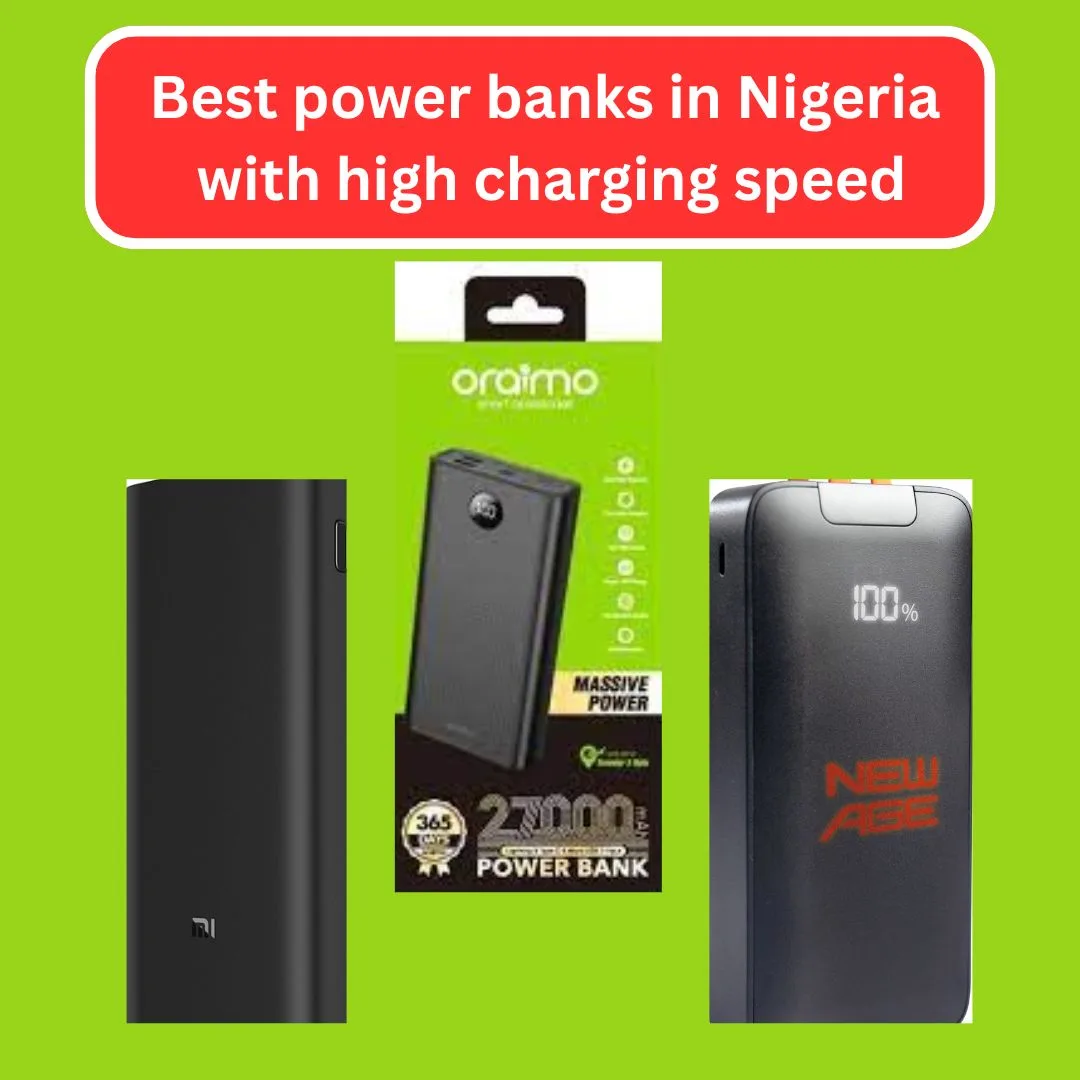
7 Best power banks in Nigeria with high charging speed (tested in 2025)
When it comes to the best power banks in Nigeria with fast charging, Oraimo can’t miss the list. Many other good ones have been listed to guide you to buy the right powerbank instead of wasting your money on what doesn’t work Nothing is more annoying than when you need to input on your phone the most and your phone goes off. Maybe you need to take a ride or make a quick transfer or just respond to that one message you have been putting off until now, and suddenly there is only 1% charge left. Just imagine that in the thick of Lagos traffic, or when the light goes off suddenly. This is exactly why power banks have evolved from being a nice-to-have to a must-have. The thing is, though, not all power banks on the market are worth your money. Some make a good impression on the surface when it comes to charging, like they are out of breath. And some start fast during the first week and slow down as if they are on strike later. That’s why instead of spending money or relying on random reviews online, we decided to test the best models on the market in Nigeria this 2025, one by one, phone by phone. The goal? To help you choose a power bank that can store charge and fast charge, and be durable. This guide will show you exactly the best list to choose from and its various prices. Recommended Guide: How to detect fake Android phones in Nigeria before you buy 7 Best power banks in Nigeria with high charging speed (tested in 2025) 1. Oraimo 27,000 mAh power bank Estimated Budget: 18,000 to 22,000 Naira.High Charging Speed: Yes (18W Max)Charging Duration: 5000mAh phone fully charged in 1hr 10mins Oraimo is still one of the top power bank brands in Nigeria. The Traveler 3 Vision is not just big in capacity, it’s also one of the fastest chargers. Why it stands out: Able to charge your phone 5 or 6 times, depending on the size of the battery. 2. Anker PowerCore select 20 000 mAh Anker is a company that produces high-quality charging devices of high quality all over the world. This model also involves the PowerIQ fast charging, which implies efficient use of power by this model according to the demands of your phone battery. Top features: Yes, it’s a bit pricey, but you’re paying for performance and safety. 3. Romer 30000 mAh super fast power bank Romer is becoming popular in Nigeria for good reason. This 30,000mAh monster has fast Type-C and USB outputs and can charge your device fast. What makes it unique: It’s heavy but very reliable for people who travel or work long hours. 4. New Age power bank 22.5W/(22500mAh) Budget Around: 16,000 and 19,000 NairaHigh Charging Speed: YesCharging Duration: Samsung A14 charged from 10% to 85% in 50 minutesNew Age is a Nigerian brand. This power bank has good capacity and uses PD (Power Delivery) for fast charging. Why users love it: Perfect for students and office workers who want something strong but cheap. 5. Remax RPP-296 (20,000mAh) Budget Around: 13,500 and 16,000 NairaHigh Charging Speed: YesCharging Duration: Redmi Note 12 charged 70% in 45 minutes Remax is known for stylish and effective accessories. Good things about it: If you don’t want something bulky, this is a great pick. 6. MI (Xiaomi) 20,000mAh power bank 3 pro Budget Around: 27,000 and 30,000 NairaHigh Charging Speed: Yes. It comes with 45W max – very fast.Charging Duration: Full MacBook Air charged in under 2 hours This power bank isn’t just for phones; it can charge tablets and laptops too. If you work on the go, this is a good companion. Why it’s special: Expensive, but highly advanced. 7. JOMA power bank (30,000mAh) Budget Around: 15,000 and 18,000 NairaHigh Charging Speed: YesCharging Duration: Infinix Smart 8 reached 90% in 58 minutes JOMA is not a new name. It’s reliable and made for Nigerian conditions. Top features: It’s perfect for long journeys and outdoor workers. What to look for before buying a power bank in nigeria Choosing the best fast-charging power bank in Nigeria isn’t only about size. Here’s what you should check: 1. High charging speed technology Always ensure that the power bank offers quick charging, such as PD (Power Delivery) or QC (Quick Charge). These charge your phone faster and save time. 2. Battery capacity Choose a power bank based on your phone size and how often you charge. 20,000mAh is good for regular users. 30,000mAh is better if you need more power. 3. Number of output ports If you charge more than one phone, or your friend wants to plug in too, get one with 2 or 3 outputs. 4. Input type Type-C inputs charge the power bank itself faster than Micro USB. It’s a better choice. 5. Digital display Some power banks only show LED dots. A digital display shows the exact percentage remaining, which helps you know when to recharge. Where to buy original power banks in Nigeria There are many fake power banks on the market. Here are trusted places to buy: Avoid roadside sellers unless you know the brand is original. How to know if a power bank is fake Here are warning signs: Always check reviews or ask for a warranty before you buy. Recommended Guide: Top 10 cheapest data plans in Nigeria right now (MTN, Airtel, Glo, 9mobile) FAQs Q1: How many phones can one charge with a 20,000mAh power bank? It has a capacity to charge a phone with a 5000mAh battery at least 3 to 4 times, depending on the type of phone used and the usage. Q2: Can power banks charge laptops in Nigeria? Yes, some can. Look for models with Type-C 45W output, like the Xiaomi Power Bank 3 Pro. Q3: Which is better – Oraimo or Anker? Anker is more advanced but more expensive. Oraimo is good for Nigerians. Q4: Which power bank is best
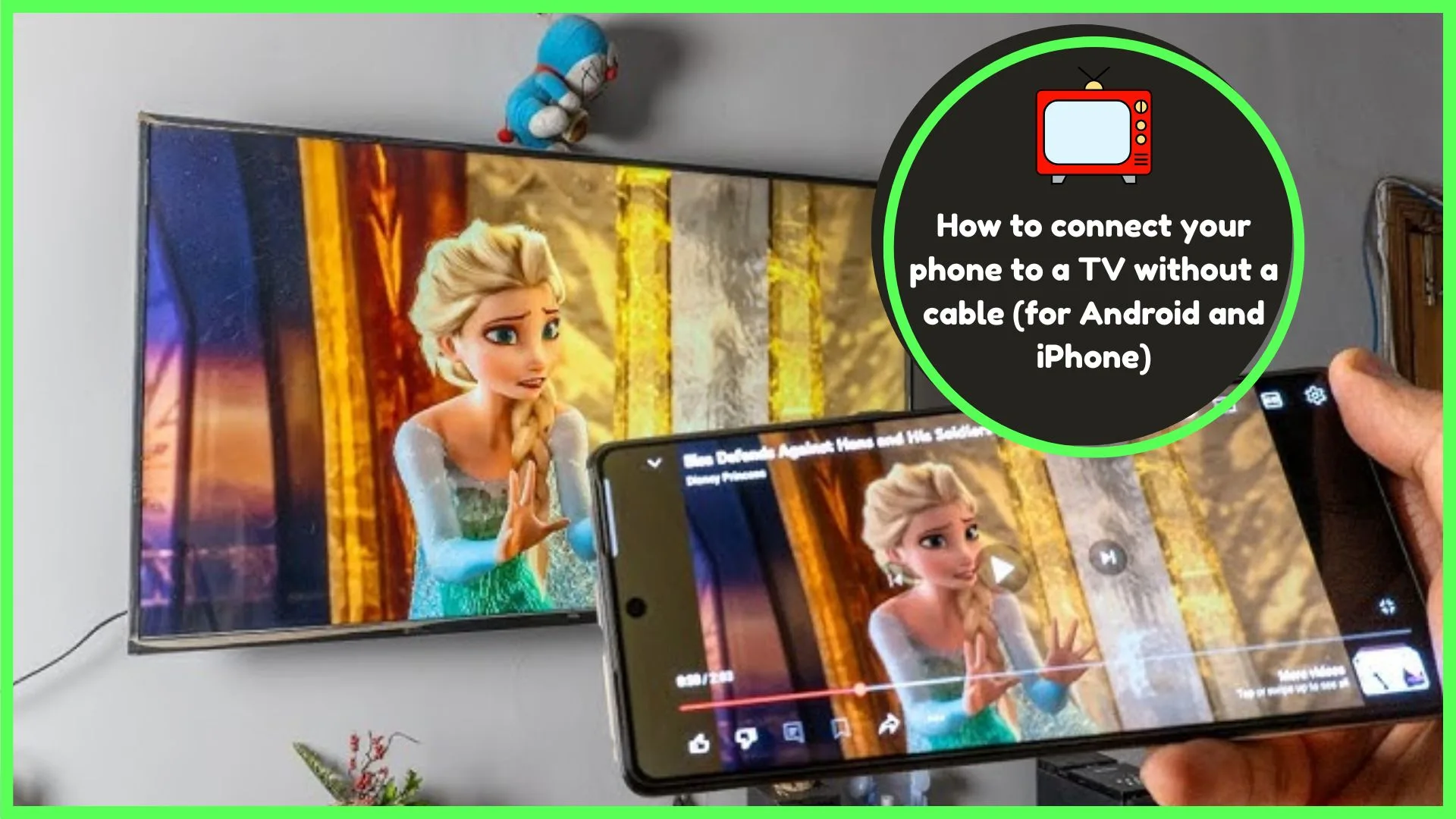
How to connect your phone to a TV without a cable (for Android and iPhone)
If you know how to connect your phone to a TV without a cable (for Android and iPhone), then great, but if not, then everything to help you get started is here. You’re welcome here. Have you ever been using your phone and wanted to use a bigger screen? Possibly, you wanted to watch a movie with friends or family, or simply show a funny clip to people, but the phone screen is not big enough. Well, you don’t need any cable to be connected to a TV anymore with a phone. That’s what I said. No HDMI wire. No adapter. Just your phone, TV, and a proper setting or device. But that’s where most people keep struggling to get it right. They search online, they use some of the steps that come along, and it never works. Is this you? Whatever we have written here is based on proven processes that people use daily; it doesn’t matter if it’s on Android or iPhone. So, when you want to get rid of eye strain caused by having a phone screen, you need to read this article. Pick up your phone, switch on your TV, and we’ll go through it step by step. How to connect your phone to a TV without a cable (for Android and iPhone) 1. Stream from apps with cast support YouTube, Netflix, and Disney+ services give you the option to cast to the television right through the application. You don’t need to mirror your whole screen. How: This method gives better video quality and saves battery. Recommended Guide: Top 7 best TV decoders in Nigeria: GOtv, DStv, Startimes & more 2. Use a third-party app for AirPlay on non-supported TVs If your TV doesn’t support AirPlay, you can install apps like: Install the app on both your phone and TV (or Fire Stick/Roku/Android Box), follow the pairing steps, and you’re good to go. These apps simulate AirPlay and work even on cheaper devices like the Fire TV Stick. What to do if you don’t have a smart TV No Smart TV? No problem. Here are low-cost ways to make it work. 1. Use a streaming device Buy one of these: Each one supports wireless screen mirroring or casting. Prices start from $25, and they work with almost any TV that has HDMI. 2. Use an Android TV box An Android TV box lets you install apps like AirScreen, YouTube, and more. You can mirror or cast from both Android and iPhone. Real-life tips that work: Recommended Guide: How to set up Starlink internet in Nigeria: full cost, installation, and speed test FAQs 1. Does it work on mobile data? No. Your phone and TV must be connected to the same Wi-Fi network to use it to connect your phone to your television. This will not work entirely on fast mobile data (even though data speed matters). It is not the robustness of your data connection, but the fact that both devices are connected to the same local internet. Therefore, ensure that your phone and TV are sharing the same Wi-Fi so as to ensure that casting or the mirroring of the screen is possible. 2. Are these approaches applicable to my gaming? It is possible. Most of them use the mirror to reflect the screen of their phones so as to get a better display of their mobile games. But do note that, at times, screen mirroring is accompanied by tiny lag, due to which there is a time delay. This latency is probably inoffensive in the case of simple games, yet fast games (such as racing or shooting) will be lengthened. To get the effect improved, you should use a Chromecast or a smart TV with native casting support – it can be much smoother and faster with less latency. 3. Is it compatible with every television? Not quite. Such wireless protocols are most effective when dealing with smart TVs or TVs that can be thought of as streaming devices, such as Chromecast, Roku, or Fire TV Stick. An old/low-quality TV connected with only HDMI ports will not work; in this case, you should connect one of these devices before. 4. Why does my phone not detect the TV? This is normally the case when your TV and phone are on different Wi-Fi networks. And also make sure that screen sharing is enabled on the TV. Sometimes it helps to restart both of them. 5. Is it possible to control volume and playback? Yes! As soon as you connect your phone, you can regulate the volume, pause, skip or even fast-forward using your phone. It is a remote control. Easy peasy. Conclusion Technology has evolved so much. Today, with only Wi-Fi and the necessary equipment, you may watch all the possible stuff on your large TV screen with no cables at all: videos, photos, games, and music on your phone. The available wireless options are not only fast and stable, but also easy to establish whether you are an iPhone or Android user. You do not require a high-tech expert or a costly device. I can just tap a few times and I am ready. However, with an outdated TV that is not itself smart, then a Chromecast or Fire Stick is all that is needed to open it all up in barely a few minutes. Why not? Get rid of that cord and see the wireless freedom like you never dreamed before.